Guide Steps
Navigate to Loans > Detail/List and select the desired loan to be moved.
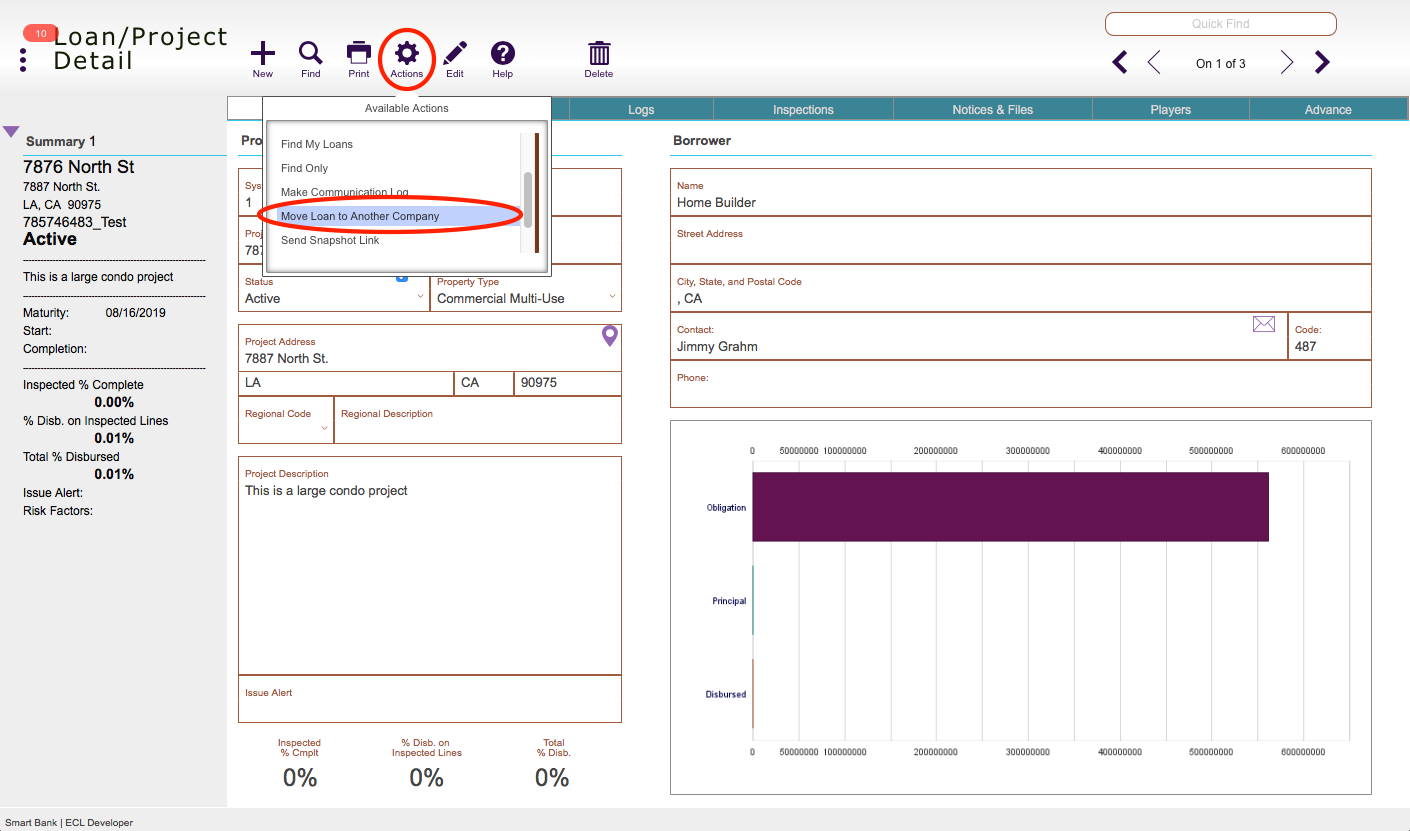
Click the Actions button and select Move Loan to Another Company.
1
Choose the company from the drop down list and then click Continue.
2
Guide Screenshot Reference
Navigate to Loans > Detail/List and select the desired loan to be moved.
Click the Actions button and select Move Loan to Another Company.
Choose the company from the drop down list and then click Continue.